🎀✨ Free Christmas Phone Wallpapers — Refresh Your Phone With a Festive Background + Free Desktop Wallpaper!

Coquette Christmas Phone Wallpapers
If you’re looking to give your phone a cheerful, holiday-ready update, this beautiful set of free Christmas phone wallpapers is the perfect way to bring seasonal joy to your everyday screen. Designed with soft watercolor textures, delicate golden accents, and charming pink bows, this festive Christmas tree artwork adds a gentle sparkle that feels both whimsical and elegant. Whether you’re gearing up for Christmas gatherings or simply want a little extra magic in your day-to-day routine, these wallpapers turn your lock screen into a cozy, uplifting moment each time you pick up your phone.
One of the best parts about updating your wallpaper for the holidays is how something so small can instantly shift the mood of your device. A festive background can make planning, organizing, or even checking notifications feel brighter and more inspiring. This particular design has a soft pastel aesthetic paired with warm gold shimmer—perfect for anyone who loves a feminine Christmas style or enjoys decorating digitally as much as physically. It also pairs beautifully with winter stationery, digital planners, and matching Apple Watch faces if you enjoy cohesive seasonal themes.
These wallpapers are sized for most modern smartphones and download in high resolution, ensuring crisp details and clean color. You can use them on both your lock screen and home screen, or save them as part of your mood board for holiday inspiration. They’re easy to download, simple to apply, and ideal for sharing with friends who also love festive backgrounds and pretty seasonal art.
Scroll below to download your free Christmas tree phone wallpapers and refresh your screen with a little holiday sparkle. Whether you enjoy soft pinks, gold accents, or classic Christmas charm, this set brings the warmth and beauty of the season right to your phone—anytime, anywhere. 🎄💗✨
All wallpapers are PNG format and optimized for phone screens, making them easy to download and apply instantly.
📱 How to Use These Wallpapers
Changing your wallpaper is quick and easy, no matter what kind of phone you have.
iPhone
- Download the wallpaper image to your device.
- Open the photo → tap Share → choose Use as Wallpaper.
- Pinch to adjust if desired.
- Set as Lock Screen, Home Screen, or both.
Android
- Save the wallpaper to your phone.
- Open Settings → Wallpaper & Style.
- Select your downloaded image.
- Choose lock screen, home screen, or both.
You can swap them out daily, rotate through them weekly, or keep your favorite one all season long.


⭐ Holiday Desktop Background (Bonus Download!)

As a little extra holiday treat, I’ve also included a bonus desktop and laptop wallpaper featuring the same festive pink-bow Christmas tree artwork. It’s perfect for brightening your workspace, adding a touch of seasonal charm to your computer, or creating a cohesive look across all your devices. Whether you’re planning holiday projects, browsing for gift ideas, or simply working through your daily to-dos, this desktop version brings the same warm, cheerful aesthetic to a larger screen. Enjoy a matching festive setup at home or at work with this beautifully coordinated background!

Explore additional favorites from Lilly Ashley:


To search for a certain phone wallpaper collection by name⬇️
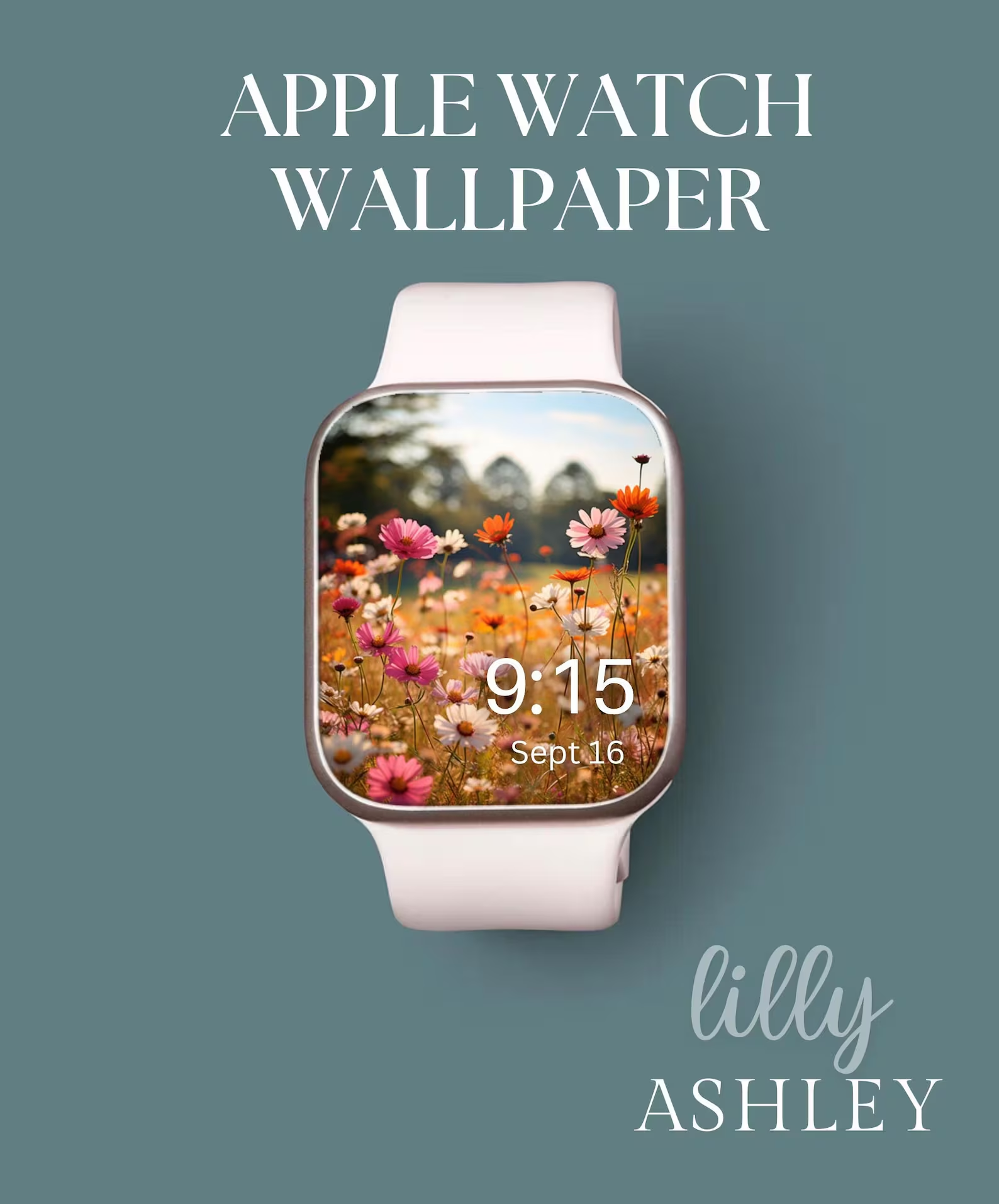
Shop Watch Faces for a Screen Refresh ⌚🌸
Step up your watch aesthetic with our variety of bright and cheerful watch faces!
🌿 Designed for most smartwatch screens
🌸 Perfect for a coordinated look with your phone wallpaper
💖 Instant digital download for easy setup


✨ Click here to shop Watch Faces! ✨
✨ Want more aesthetic downloads, design inspiration, and easy to follow recipes? Follow us on Pinterest for exclusive sneak peeks at new and upcoming collections + free digital downloads! 🌿🌸✨
Check Out What’s New
See what’s new by scrolling left to right to see some of our latest posted collections!